On my first day with photoshop I started playing around with some of the settings following the “Photoshop for Beginners Introduction” in the EdTech tutorial List on the course page. This shows the basics, like how to open and save a new file as well as adding layers. while following the tutorial it also prompted me to try the Black & White settings. The tutorial gives a reference photo but I opted to use one that I took while in Japan.
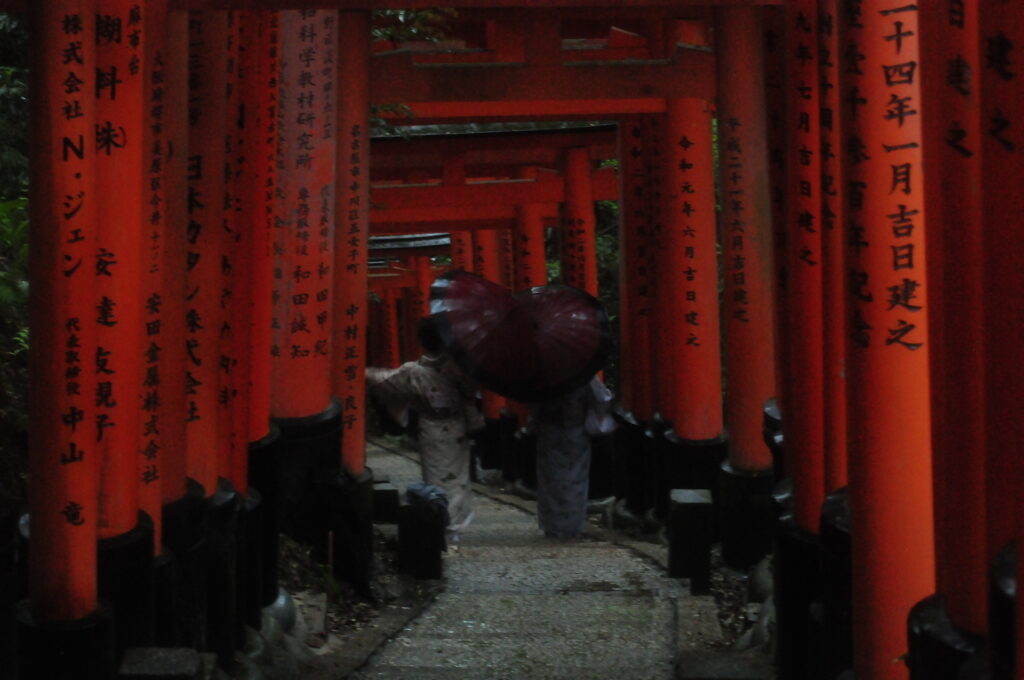
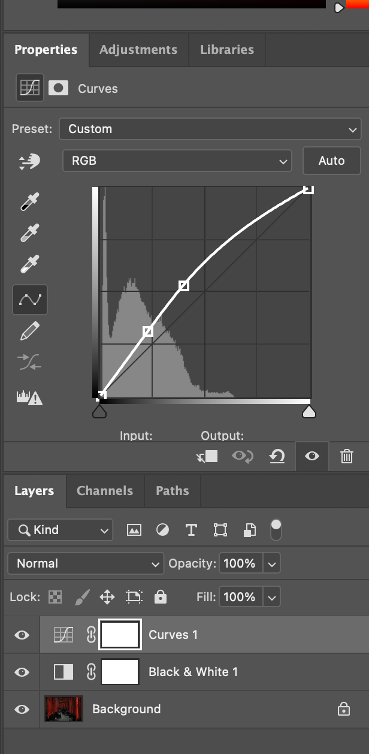
image of two people in kimonos standing between torii gates in japan
screenshot of edits made in curves layer of photoshop
These are the small changes I made in the Curves layer option. You can access all layer options by clicking Layers on the top of the screen and going down to New Adjustment Layer which will bring up all options. The image I chose was fairly dark so you can see that the only notable bumps on the graph are on the left (the graph scales dark-light)
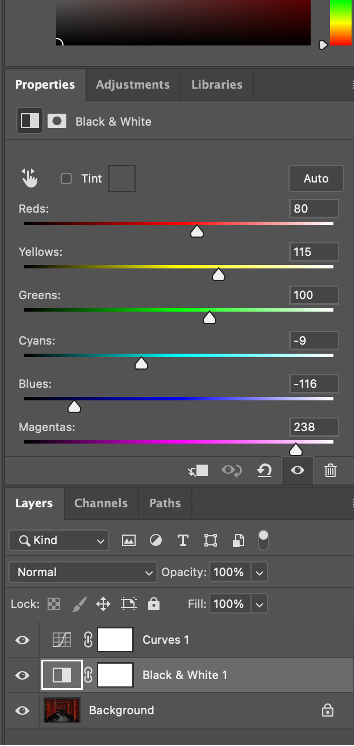
screenshot of edits made in the black and white layer option in photoshop
I also made some changes in the Black & White layer option. Here you can change the vibrancy of certain colours in black and white. I didn’t have any goal here to be honest, just testing the waters.
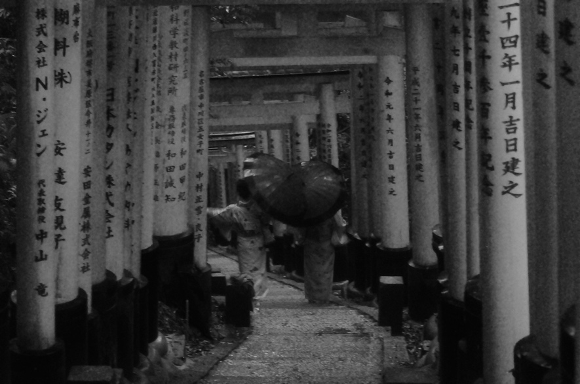
black and white version of image one
the results of my edits are here. I wanted to give it the vibe of an old newspaper with the graininess