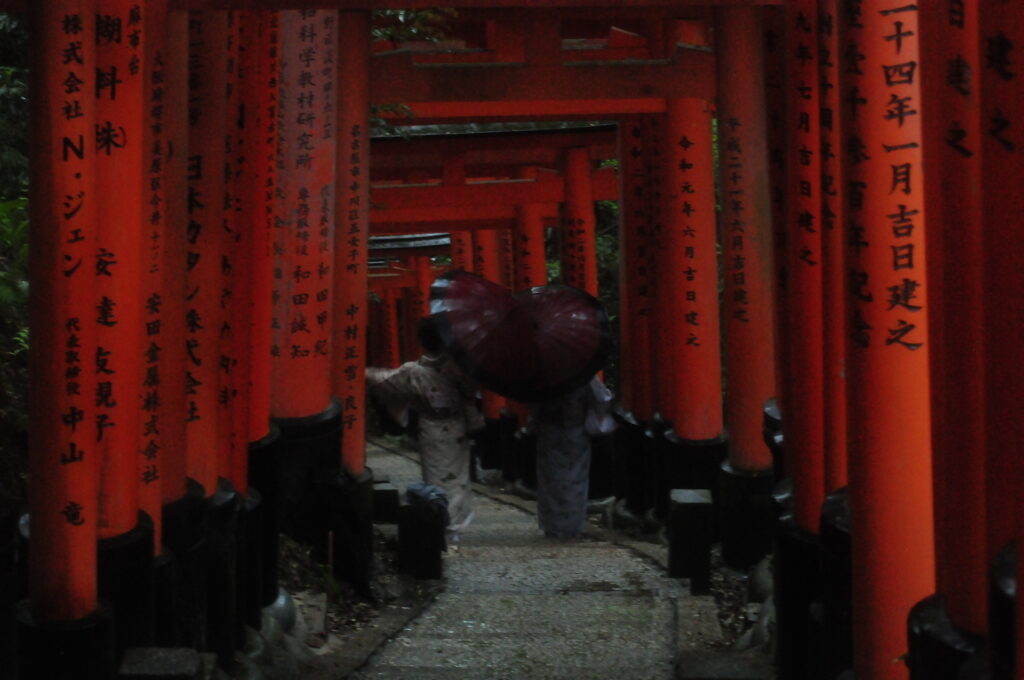
This is a video I made showing the skills and progress I learned during this course
Author: matteotrev (Page 1 of 2)
This past week I’ve been using more of the prior posts techniques to try and learn how to get an eye for what I really like. The big breakthrough for me was realizing I can paint in any layer and not just with solid colour. In the example below I started off with last posts technique to add the bright green back to the bird. When I was done with that I thought it still looked bland. I then went into the “colour balance” layer and moved the dial until I liked how the tree was looking. After I found a colour, I used the technique of painting in the white layer to keep the edit confined to the tree. I also went ahead and did the same with the back round.
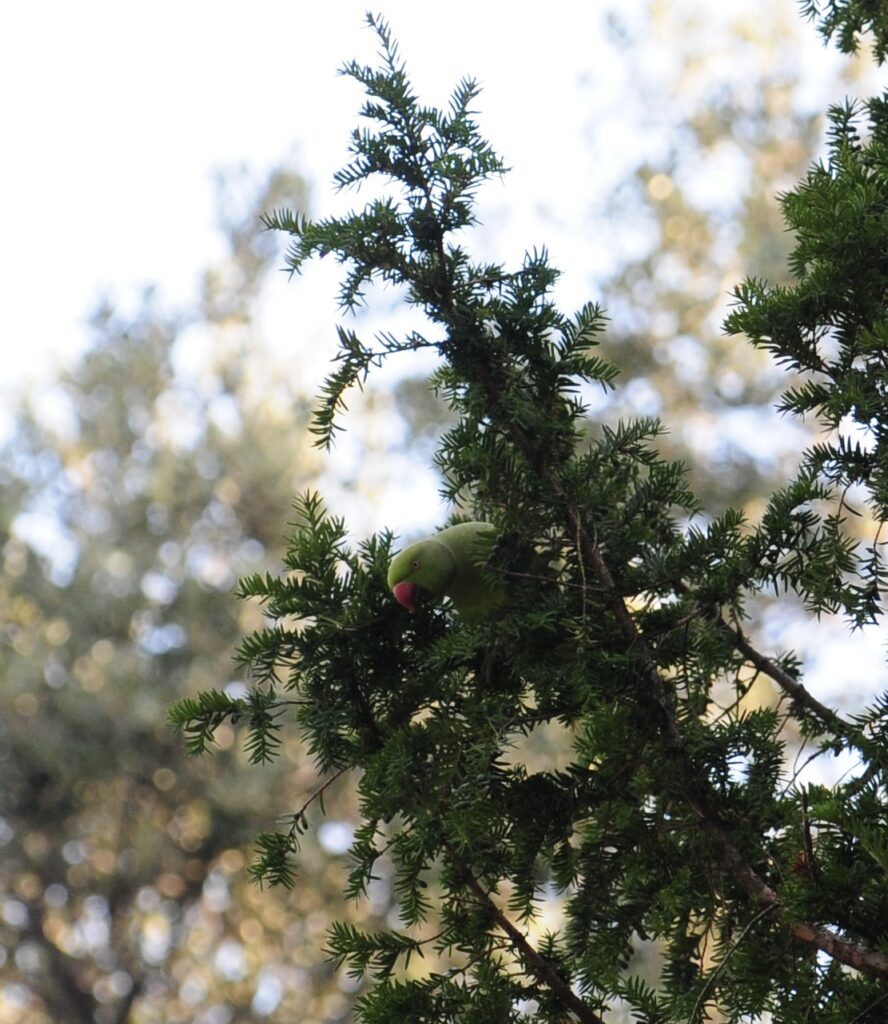

You can see the edits that were made on the 3 layers here.

the splotches in white were what I painted in and the black is what doesn’t have the filter added to it.
I learned another method that is good for speeding up the process if you have a lot of good photos that just need minor tweaks. It’s a way of bringing up a filter that has all the features of the photoshop layers I’d normally want for quick edits. To bring up this filter you want to go up to the filter tab at the top of your screen and select “camera raw filter”.

Once you select it you’ll be brought to an overlay of your Image with a lot of options to the side.

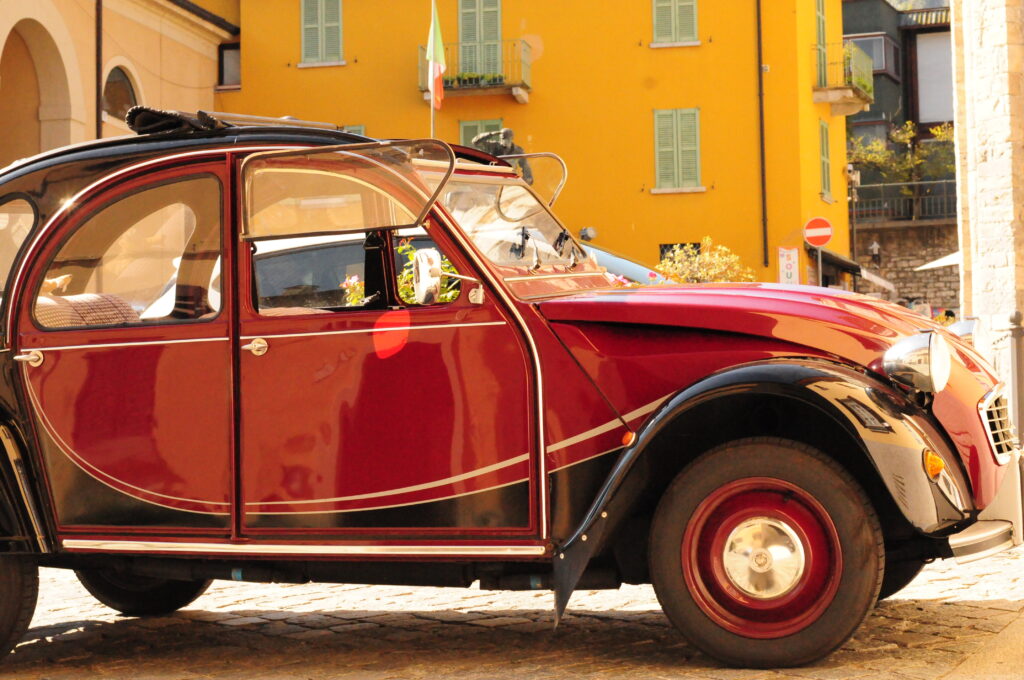
These are all what I’d call stereotypical layers you might want to bring up. I used this to edit a lot of my photos that I just wanted to touch up that I already liked. This photo I took In Italy and just wanted to give it a little more contrast too and so used the camera raw filter.

Maha Bali‘s talk on digital equity I found helpful In reaffirming and broadening my perspective on equality in and out of the online space. She and Valerie had a conversation about different kinds of oppression and Maha brought up what she referred to as the four I’s of oppression. They go as follows; ideological, refers to the overarching idea of one group being better than others which leads to racism, sexism, classism etc. Institutional oppression is the second and is about how institutions and systems reenforce the dominant ideology. Interpersonal Is the oppression that easily seen in our day to day and can take many forms that we all know such as stereotypes or harassment. Finally, the fourth is internalized, when the marginalized groups start to internalize the harmful ideas being put on them by the oppressing group. These four I’s were talked about in the video Maha played which I’ll link here. Maha also talks about how in the digital space inequality happens all the time and goes unnoticed. She mentions how when Wikipedia was first learning how to monitor the edits being made that the editors were all men. This led to less attention being given to women’s biographies. it’s undoubtable that with a small group of heads that many other oversights, whether it be intentional or not, were made under the effects of the four I’s. At some point she mentions an idea of “including people to a table” which is to day once we’ve realized there’s only one group present more effort is placed to add marginalized voices to the conversation. She also says how this can often be a “too little too late” type of situation. The table is already so well established and the rules they’ve curated and so embedded that merely including diversity isn’t enough to make changes.
In watching a presentation about academic surveillance technologies, I was made aware of many cases and points that show the harm of AI software. Surveillance, as a whole, is used to show power and control which is not a healthy or productive environment for academic success. Proctoring students taking physical tests is an ordinary part of the exam format, but when online learning was taken up over recent years, especially since covid, this forced students to do their studies and tests online. The level and methods to which proctoring took place is where the concern lies. AI online tools were used to track virtually everything during an exam from mouse clicks and typing to eye and head trackers, sometimes even making you video the room you were taking the test in. This is immoral for a multitude of reasons: invasion of privacy, discrimination against disabled people and people of colour. The invasion of privacy is clear as you are required to film what is potentially your living space in order to have the opportunity to take an exam. When it comes to discrimination I can see how that’s not as obvious. Many differently abled people attend post-secondary institutions and may require additional aid. Screen readers are common practice for visual impaired individuals, and this software could be flagged as cheating by the AI. Another case is for students who are neurodivergent. These students can be flagged for head movement and eye movement that’s different from other students overall making it biased against students who are differently abled. There were also cases that were shown in the presentation about face recognition software not recognizing people of colour and specifically involving black people. In addition to the negative effects toward minorities, according to a study from the University of Twente in the Netherlands (which I won’t link to keep specific companies out of this post) the proctoring being used didn’t prevent any cheating. The only potential benefit of the software is that of a placebo in that it may work from students believing they’ll be caught but there is no true substance. I believe that with all the information presented that proctoring as a whole brings harm to marginalized groups and brings no additional assistance and therefore should not be used in online settings.
While watching the private talk with Thomas Land about critical thinking a few things stood out. He began his presentation talking about what it means to think critically and benefits of doing so. His first point was a broad definition, that critical thinking is determined when we do and don’t have good reasoning to believe claims. This sets up the rest of his talk being that it gives us a stance to refer to. As for the why, he brings up that beliefs based on good reasoning are more likely to be true, which makes sense. An example of this could be that you wouldn’t believe the sky to be red if every day you see it as blue. Your good reasoning here is that you see it to be true every day. Another example is how believing an expert is good reasoning for a belief as opposed to someone uneducated.
Thomas land also had many slides about questioning even these reliable sources of information. To talk about how our senses can be unreliable in many cases which can lead us to believing untrue things. An example of this is, if you were to walk in the woods at night you may begin to feel uneasy and trees may start to look like figures. This comes from the same pattern recognition that is so helpful for other aspects of deriving information. When going into environments with expectations we tend to manifest results even when they may not be there. It is good to use critical thinking to ask ourselves if our perception is being influenced. It is also good to recognize that our personal experience may not give truly good reasons for beliefs in all cases.
I want to also touch on one of his later points which was on reasoning. To put it very simply, if you’re presented with two options, one of them being false, then logically the other must be true. This in and of itself is quite sound reasoning, but this only works if all that’s being stated are true. To diverge from what Thomas presented I want to talk briefly on how this can be weaponized in debate or conversation. The black and white fallacy is when someone forcefully puts you in dilemma reasoning but without all factors being fully true. They will condense a multifaceted topic down to just a simple question with the goal of deceiving and disguising it as being black and white, yes or no, 1 or 2. This is powerful in dismantling the other party if not caught. it can make something as complicated as a political debate seem one sided. For instance, if there were a debate about abortion and the party against said something in the vein of “are you pro-life or pro-murder”. This completely throws away credit of the opposing party and makes it seem cut and dry even when it’s not the case. over all I think that using our critical thinking is essential in finding out what is true.
Before I watched Dr. Remi Kalir’s video on social annotation I didn’t even have a good idea of what that meant. When I thought of annotation, I would only think of it in a sort of note taking context. Whether it be a sticky note of a quick definition or an arrow leading to a synonym for ease of understanding. I suppose I never thought of it being used in other cases outside of learning environments. I really like how a point in the video was to discussed annotation in a protesting context. Protest and annotation have a lot of cross over. Dr. Remi Kalir brings up the point that annotation is counternarrative which is precisely what protest is. They both challenge the commonly accepted narrative by adding perspective. I can also think in aspects of my life how I add annotation to conversations with friends and family without even realizing. When I talk, I like to use analogies often and draw correlation to a previous talking points. It’s pretty neat to think about the different ways annotation actually shows up and impactful it is.
Last week I decided I wanted to learn a new method in photoshop. I found a professional Photographer on Youtube named Matt Shannon who happens to be from BC. The video I watched was about a method to give colour to otherwise bland photos. I used his methods to try and alter a photo I took of a house and sunset.


What I did here was add an adjustment layer, then selected solid colour and fiddled around until I found a colour that might be good for the house. The next step is to turn it from “normal” to “soft light”. Once you’ve done that you can turn the layer mask from black to white by pressing command I to conceal the selected colour. The reason for this is so we can use the “brush tool” to paint in the area we want to have that colour. Instead of the whole image.
This process of selecting a colour to overlay and painting in the desired area can be repeated for the different parts of the photo. I chose to have a darker green on the house and a grey for the roof. I like what I’ve done with the house but I think I needed to do something else with the sky. Non the less its clear how much better the house looks with just a few alterations. His video has a proper walk through of ways to use it and a better tutorial of how. Here’s the video I watched by Matt on how to edit using the Photoshop brush tool.
The talk I listened to this week with Dr. Inba Kehoe was about copy right and intellectual property. She talked about both usage of copyright material and the creation of material that can be copyrighted. This was more informative than anything, and I recommend you go and listen to it yourself on one of week fives videos. As a student in university, it’s very important to not be breaking any copyright laws when doing assignments so being aware of such laws is crucial. However, for me, I found the personal copyright to be fairly new territory.
I’ve recently been watching YouTube essays on how people use AI and steal small creators music to use in generate their own songs. This video, by Youtuber/Music Artist Gabi Belle, talks about such case. I thought that since the artists weren’t big it meant they didn’t have anything to back them; knowing now a little bit more on how copyright should be applied I can relate this to my life in a sense. I have a public photography account, on which I’ve posted photos of places I’ve visited and hikes in my hometown.
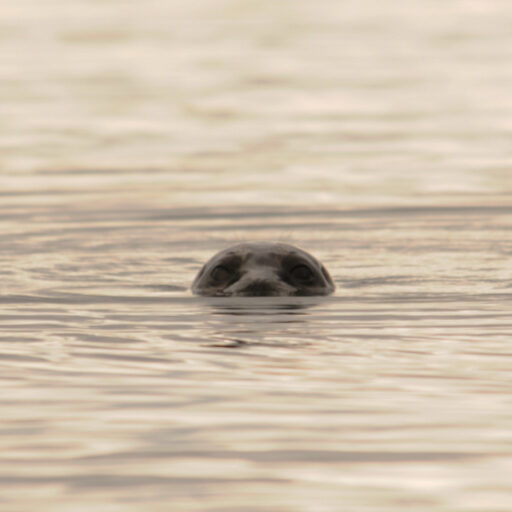
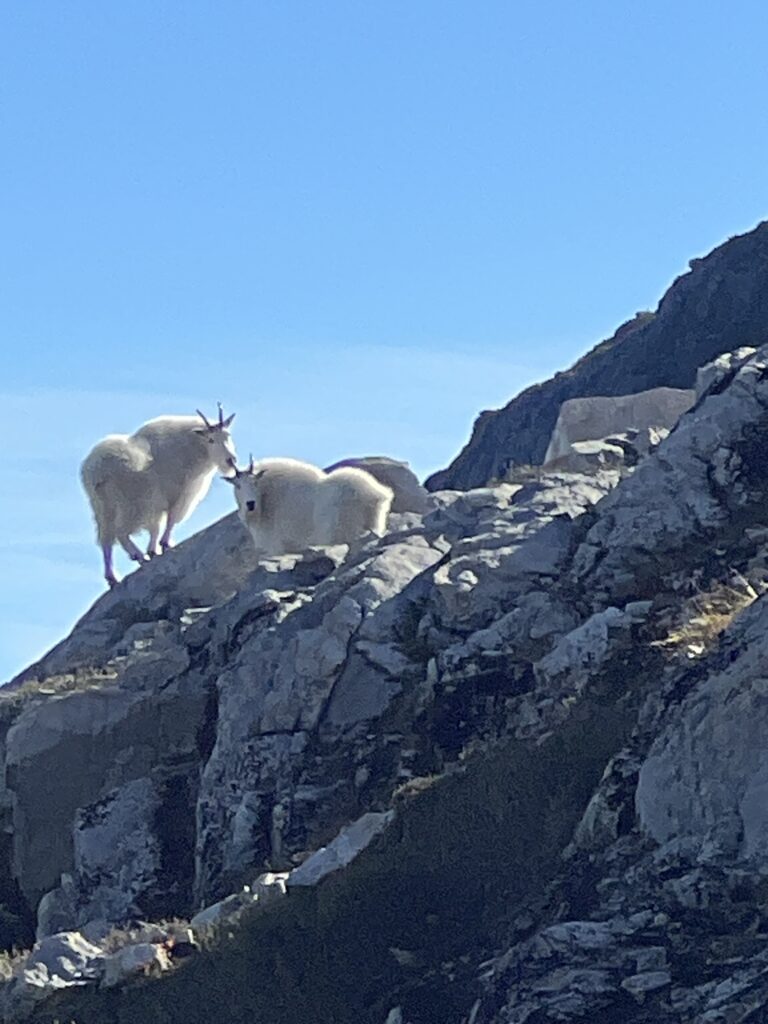
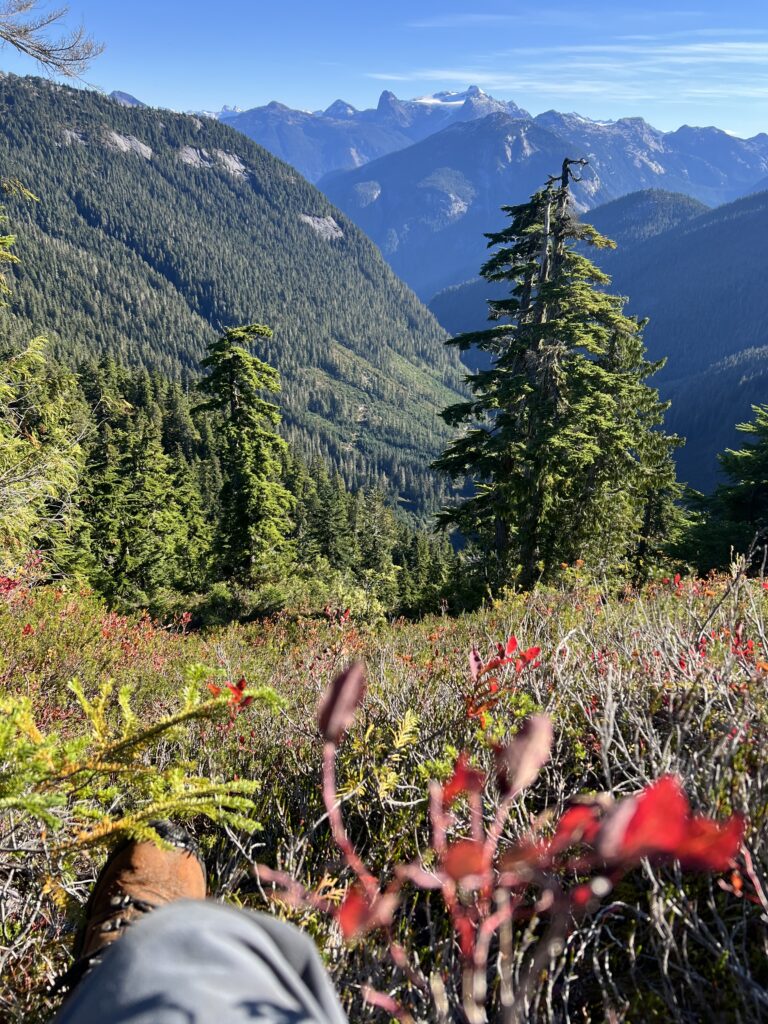
It’s certainly a possibility that tourist websites, for instance, might take photos from my account and use them without my permission. I learned from Inba that my work has an automatic copyright applied to it so I actually would have a valid stance to fight with if I cared to. Similarly, if someone reached out formally to use my photos, I learned there are different kinds of copyright that allow me to keep or remove types of restrictions. this gives me more control over how my work is shared. Truly more complex than I was aware, and definitely something I think people should learn about.
I decided to try and adjust some of my photos that have obvious blemishes as a place to start. I think this will be the easiest way for me to practice as I get used to the navigation. The smudges from my camera lens can easily be removed by using the Spot Healing Brush tool.
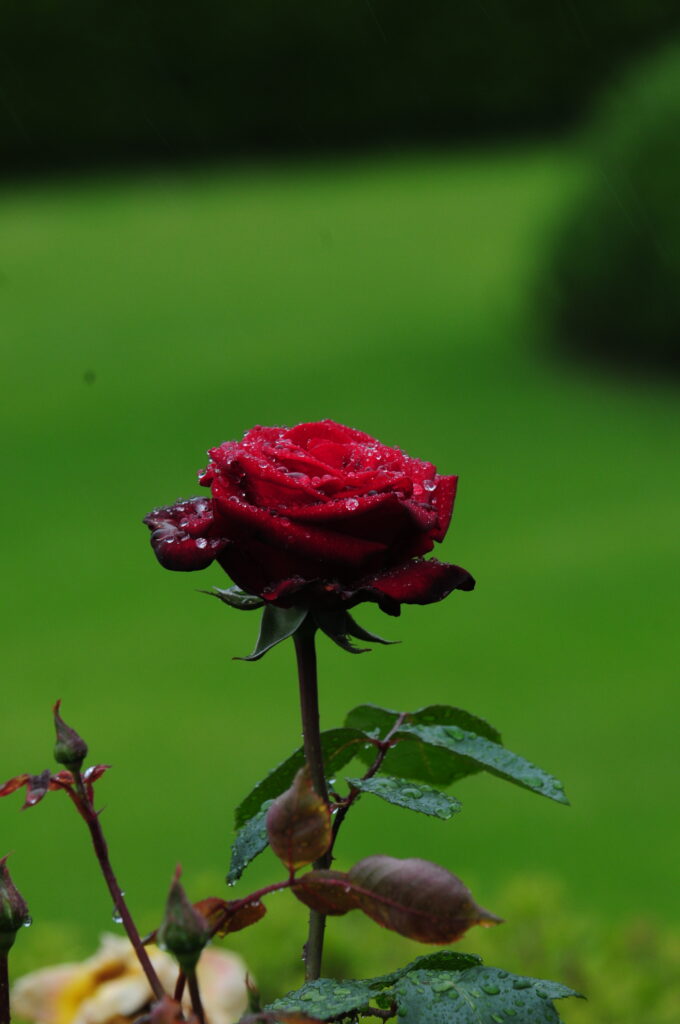
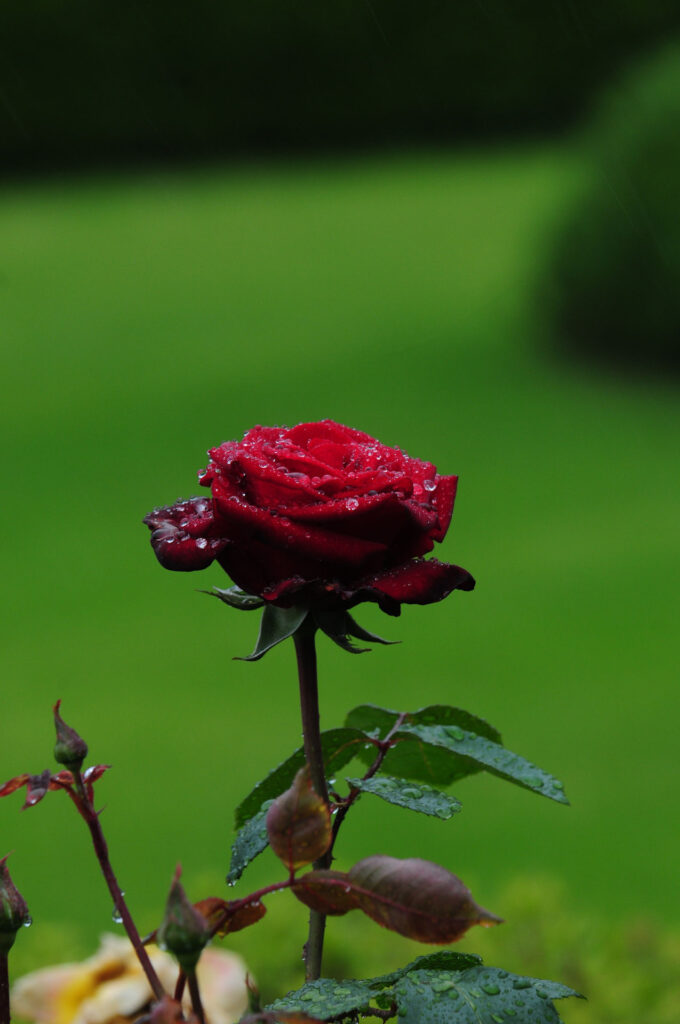
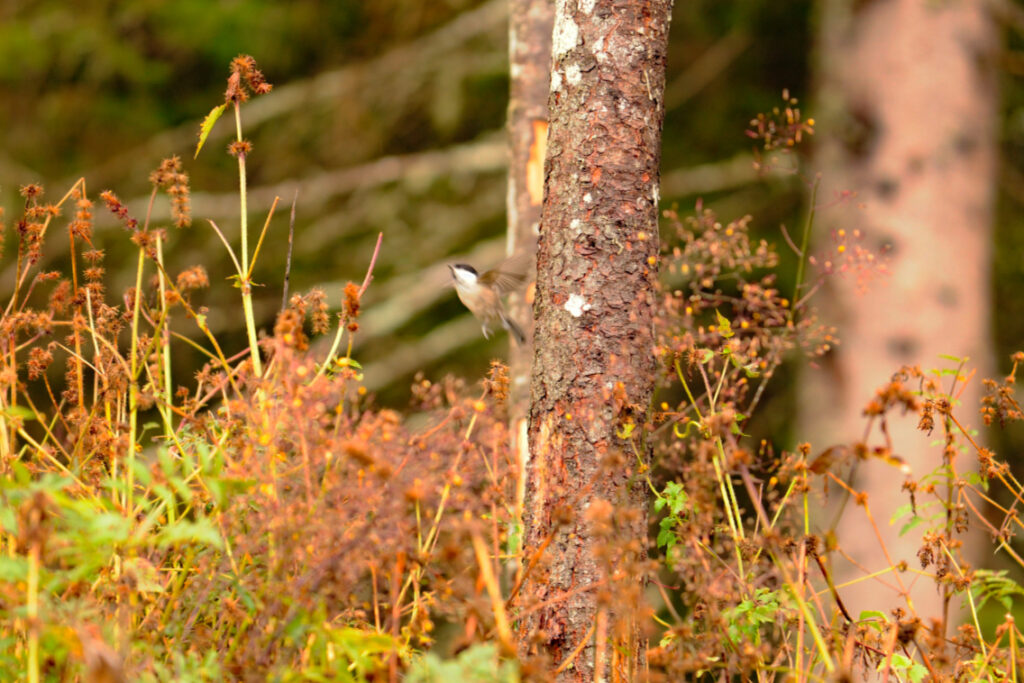
This next image I took in Italy. I thought it could be good, but it’s quite blown out and the bird is obviously not in focus. I wanted to see if I could make the whole image less harsh and make the bird less blurry. I was able to tone down the vibrance using Brightness and Contrast layer and tried the Clarity and Dehaze layer. They both helped but I’m not sure if that is the quickest or best method. I was unable to bring the bird into focus.

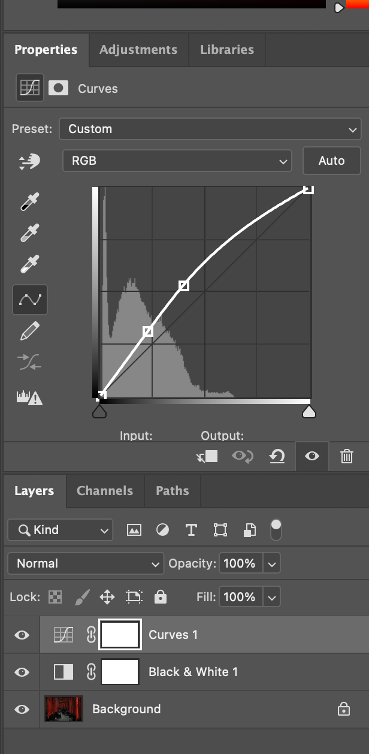
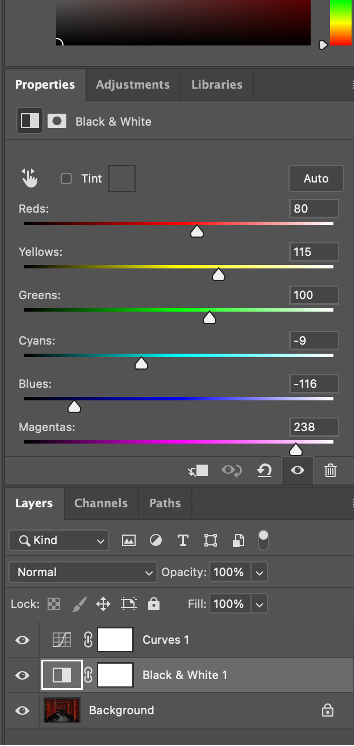
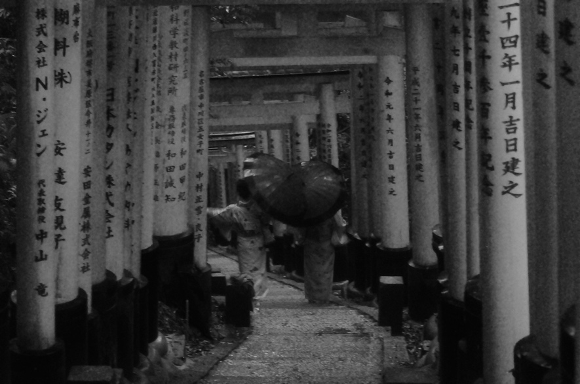
On my first day with photoshop I started playing around with some of the settings following the “Photoshop for Beginners Introduction” in the EdTech tutorial List on the course page. This shows the basics, like how to open and save a new file as well as adding layers. while following the tutorial it also prompted me to try the Black & White settings. The tutorial gives a reference photo but I opted to use one that I took while in Japan.